Enhanced Lighting & Realism
Enjoy lighting so good and upgraded that it gives the whole game a more realistic look!
 1 / 5
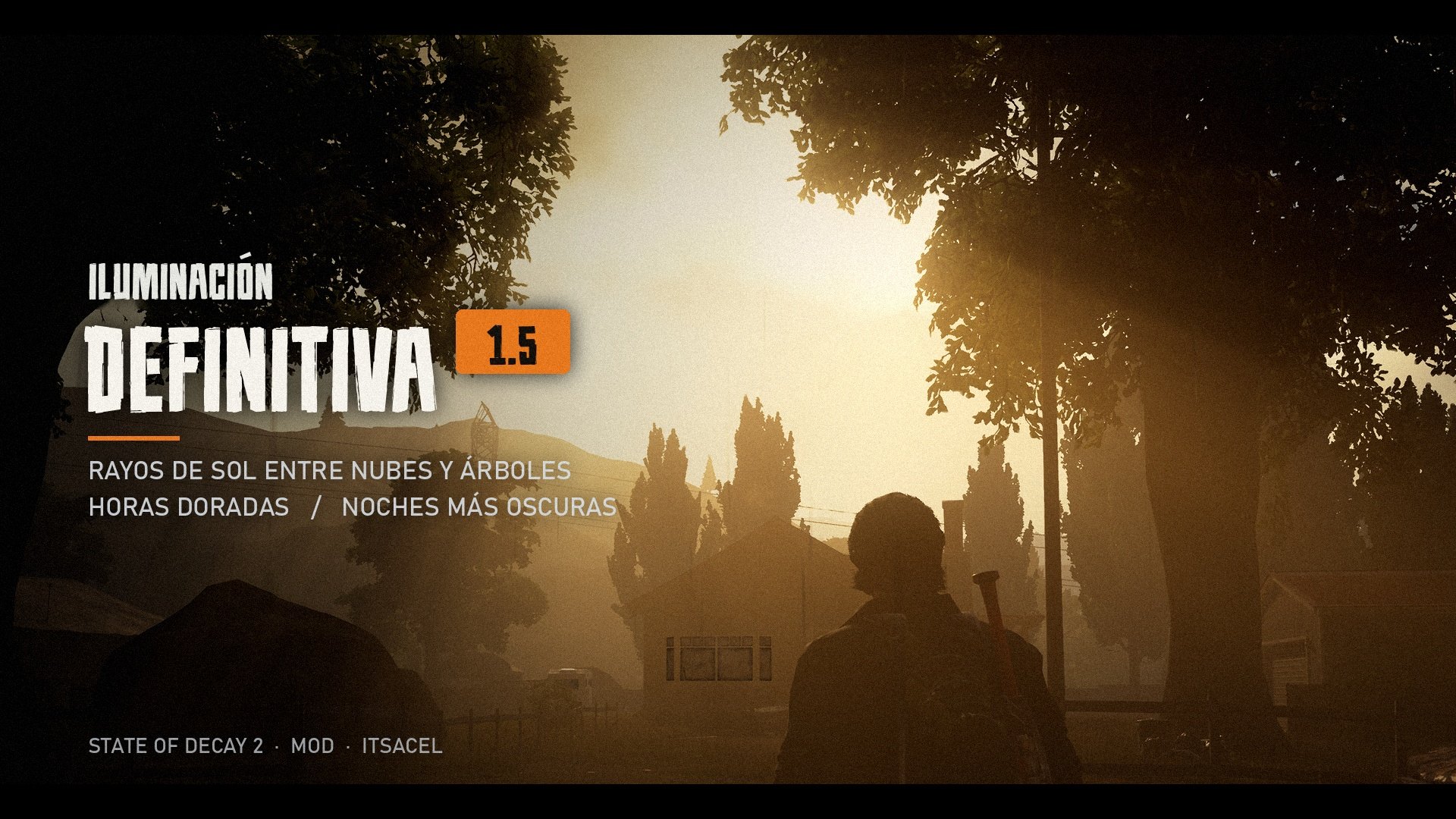
Enhanced Lighting & Realism reworks State of Decay 2's lighting across all 6 maps. It's built on top of the game's current skies, so it keeps everything the game has today and gives it a more cinematic look: sunlight breaks through the clouds and trees, sunrises and sunsets glow golden and nights are scary again.
- Sun rays through clouds, trees and buildings, especially at sunrise and sunset.
- Warmer, more colorful golden hours.
- Sun halo in the fog.
- A sun that doesn't blind you: it no longer turns into a white blob when you look at it.
- Fixed bloom and vignette for a cleaner image.
- Darker nights that are still playable.
- All 6 maps in the game.
—
★★★★★★★★★★ No ratings yet
Log in with Discord to rate and leave a review.
Log in with Discord
No reviews yet. Be the first!
Found a bug or have an idea to improve the mod? Tell me here. No stars: this is for fixing and improving the mod.
Log in with Discord to report bugs or suggest improvements.
Log in with Discord
Nobody has reported anything yet.
Extra info
Requirements, installation, FAQ and credits. Tap a section to open it.Requirements and compatibility
Requirements General guide
- You need to have installed: Weather - Rain & Storms.
- State of Decay 2: Juggernaut Edition on PC (Steam or Xbox/PC Game Pass), up to date.
- Recommended: the State of Decay 2 mod manager.
- Doesn't work on Xbox consoles: mods can only be installed on PC.
Compatibility General guide
- Works with its addons: Weather - Rain & Storms.
- It's an addon: it goes on top of Weather - Rain & Storms.
- It may clash with other mods that change the same things. If the game fails, try this mod alone and then add the others one by one.
Installation and uninstall
How to install it
- Install it with your mod manager, or copy the .pak file into %LOCALAPPDATA%\StateOfDecay2\Saved\Paks.
- Launch the game and load your save.
Step-by-step guide: how to install mods in State of Decay 2 →
How to uninstall it General guide
- If you remove it, remove its addons too.
- Disable or remove it in the mod manager, or delete its .pak file from
%LOCALAPPDATA%\StateOfDecay2\Saved\Pakswith the game closed. - If the mod added something to your save (characters, vehicles or missions), back up your save before removing it.
FAQ (3)
Is it free?
Right now it's for members from Suscriptor up. It will be free for everyone from Nov 30, 2026. How do I get access?
Does it work on Steam and Xbox/PC Game Pass?
Yes, it works on both PC versions. Mods can't be installed on Xbox consoles.
Where do I report a bug?
In this page's Feedback tab. If you can, add a screenshot and say which other mods you have installed.
Your question isn't here? Post it in the Feedback tab or on Discord.
Rights and credits
100% original mod
All the content in this mod (models, textures, sounds and code) was made by itsAcel.
© 2026 itsAcel. All rights reserved.
Reuploading, selling or redistributing this mod, in whole or in part, is not allowed without the author's written permission.